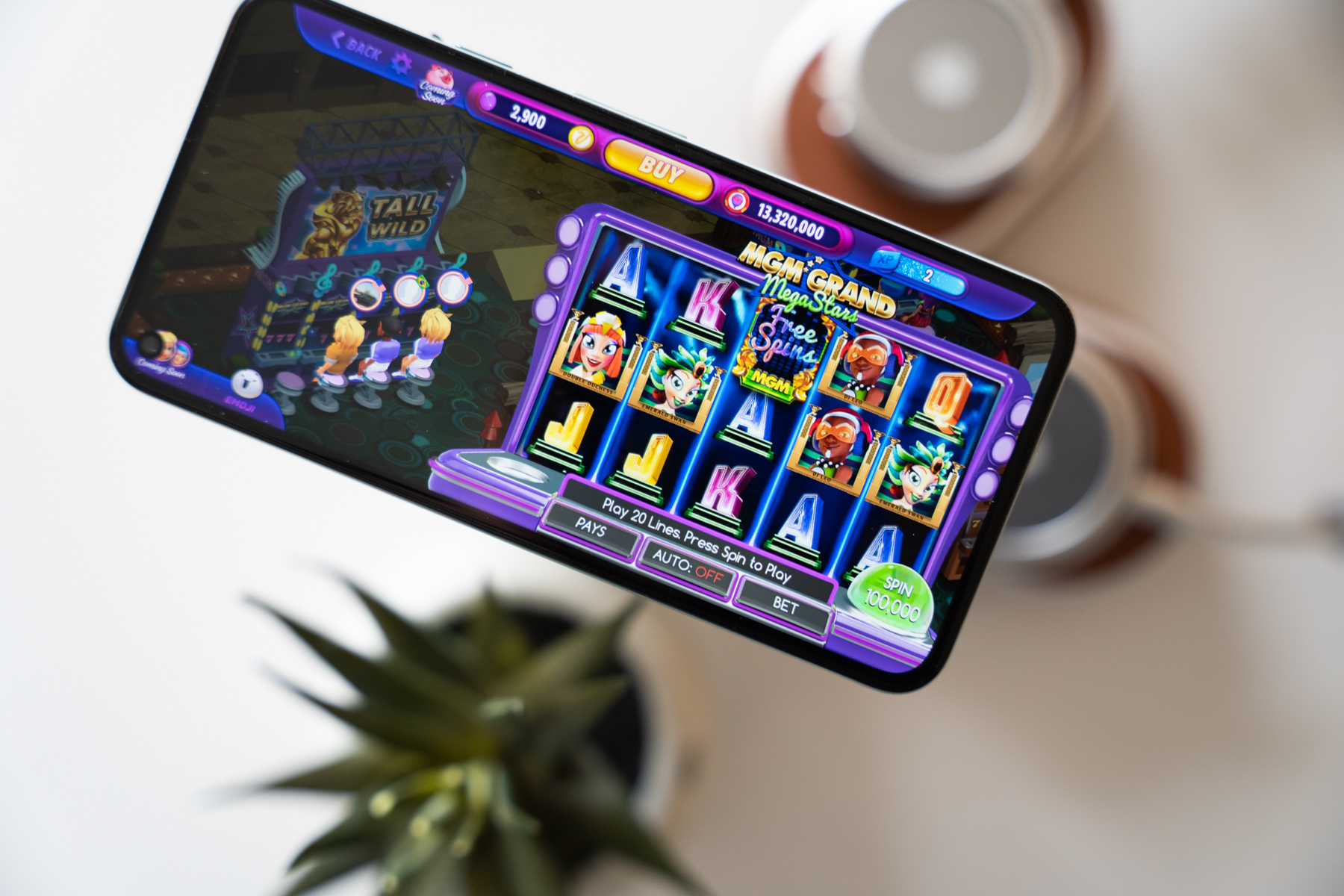
Canadians who enjoy playing reels or making sports bets on the go expect a seamless, secure sign in needforspincasino canada process that fits into daily routines as opposed to forcing them to rearrange their schedules. Need For Spin casino satisfies that requirement with a purpose-built mobile app and a responsive mobile site that provide nearly identical features. In the following sections we walk through how each platform operates, what games and payment options you can actually reach, and what to look out for when you register or make your first withdrawal.
In what ways the Mobile Experience Stacks Up Against Desktop
The majority of features remain the same, but a few differences can be found. The desktop site features a multi-window mode for viewing two live tables at once, but the mobile app arranges tables in a swipeable carousel. Desktop users can also drag and drop games into a custom “Favourites” folder; mobile users get the same result by long-pressing a tile and picking “Add to Favourites.” Withdrawal limits and bonus terms are unchanged across devices, so deciding between app and browser boils down to personal preference rather than functional gaps. Another subtle difference is screen real estate: desktop players see more tiles at once, while mobile users scroll through a single column that maintains every button within thumb reach.
Client Assistance on Mobile
Live chat is accessible 24 hours a day through either platform. On the app you reach an agent by selecting the speech-bubble icon in the footer; on the mobile site the same icon sits in the top-right corner. Typical response time during Canadian peak hours is under 45 seconds. Email assistance is also provided and generally receives a reply within four hours. Telephone support is limited to scheduled callbacks between 10 a.m. and 10 p.m. Eastern Time. Prior to reaching support, you can explore the built-in help centre that addresses registration, deposits, game rules, and bonus terms. Each article includes a “Was this helpful?” prompt that directs feedback directly to the content team.
Protection, Authorization, and Responsible Play
The company works under a Curaçao eGaming permit, which you can verify by tapping the seal at the bottom of every page. Data between your device and the servers is protected by 256-bit SSL encryption, and two-factor authentication can be turned on in the account settings. For players who want extra control, the site delivers deposit limits, session reminders, and a self-exclusion toggle that freezes the account for a chosen period between six months and five years. Need For Spin partners with the Canadian Responsible Gambling Council and links directly to provincial help lines. If you set a deposit limit, the system stops you from exceeding it even if you attempt to use multiple payment methods in quick succession. These tools function the same way on both the app and the mobile site.
Game Choices for Mobile Players
Need For Spin’s catalogue features more than 1,500 titles, and the mobile versions preserve that range intact. Slots fill the lobby, but you will also discover European roulette, blackjack, baccarat, and roughly two dozen live-dealer tables streamed in HD. Progressive jackpot slots such as Mega Moolah and Divine Fortune remain available, and their counters adjust in real time on both Wi-Fi and mobile data. The search bar at the top enables you to filter by volatility, provider, or theme, which speeds up navigation on smaller screens. Game providers include Microgaming, NetEnt, Play’n GO, Pragmatic Play, and Evolution Gaming. Each supplies its own mobile-optimized build, so graphics and sound quality stay consistent even on older Android handsets. If you prefer to play without downloading, the instant-play mobile site displays the same HTML5 versions, although the lobby may take an extra second to populate on the first visit.
Here are the main categories you can explore right away:
- Traditional three-reel slots with simple pay-lines and retro fruit symbols
- Video slots loaded with bonus rounds, cascading reels, and multipliers
- Table games including blackjack, roulette, baccarat, and poker variants
- Live-dealer tables led by real croupiers and streamed in HD
- Progressive jackpot games whose prize pools grow with every spin across the network
Push Alerts and App Messaging
Once you give permission, the app sends warnings for fresh game launches, bonus expiry warnings, and tournament live updates. You can toggle each type in the alerts hub so you only receive alerts that are relevant to you. App messages show up as a red icon on the message icon and disappear once seen. The mobile website does not push notifications, but it shows a constant banner when a time-limited promotion is active. For a less intrusive experience, simply disable alerts in your mobile settings; the promotions will still appear in the game lobby when you open the app or site.
Deposit and Withdrawal Options and Payout Times
Need For Spin offers the payment rails Canadians are familiar with. Interac e-Transfer processes both deposits and withdrawals with a C$20 minimum and a C$10,000 maximum per transaction. Visa and Mastercard deposits go through instantly, but withdrawals via card are limited to C$3,000 per week. E-wallets such as Skrill, Neteller, and ecoPayz process deposits in seconds and usually return withdrawals within 24 hours once verification documents have been approved. Bank transfers stay an option for larger amounts, although they come with a two-to-five-business-day processing window. The cashier presents the exact fee, if any, before you confirm the transaction. All withdrawal requests are subject to a standard 24-hour security review, after which the chosen method dictates the final arrival time.
Here is a short overview of the most popular choices:
- Interac e-Transfer – instant deposits, same-business-day withdrawals, C$20 minimum
- Visa or Mastercard – immediate deposits, seven-day withdrawal cap of C$3,000
- Skrill or Neteller – deposits in moments, withdrawals within 24 hours
- Bank wire – optimal for large sums, handled in two to five business days
Promotions and Promotions Designed for Smartphone Users
New players obtain a standard welcome package that features deposit-match funds and free spins. The initial deposit usually activates a 100-percent match up to a maximum figure that is displayed on the present promotion page, while the following two deposits offer smaller percentages. Free spins are granted in batches of 20 or 25 and have to be utilized within seven days. Mobile-exclusive reload bonuses show up every Friday; they typically need a minimum deposit of C$20 and award 30 percent up to C$100. All offers come with standard 35-times wagering requirements that extend to both bonus money and any winnings from free spins. Players who choose cashback can opt into a weekly program that refunds 10 percent of net losses every Monday. The cashback is credited as bonus funds with a 20-times play-through condition. Because the terms are the same on the app and the mobile site, you can switch devices mid-week without forfeiting progress toward any active promotion.
Seasonal campaigns also show up throughout the year. During major sporting events the casino may offer enhanced odds on selected bets, while holiday weekends often bring extra free-spin drops. These limited-time offers are announced through push notifications on the app and a banner on the mobile site, so you don’t miss an opportunity to top up your balance.
Device Support and Performance
The Android app supports version 7.0 and newer, while the iOS version requires iOS 12 or later. Both apps weigh roughly 45 MB and install in under a minute on most Canadian networks. Once installed, the lobby opens in about three seconds on a typical 4G connection. Touch targets satisfy Apple’s and Google’s accessibility guidelines, so buttons are easy to tap even on compact screens. The mobile site uses responsive design that conforms to any browser, including Chrome, Safari, Firefox, and Samsung Internet. Landscape mode stretches the game view to fill the entire screen, while portrait mode maintains the balance and menu icons within thumb reach. Battery usage remains moderate because the platform pauses non-essential animations when the device enters low-power mode.
Getting Started on Mobile: Sign-Up and First Deposit

Setting Up an account on either the app or the mobile site takes the same four-step flow. You tap the green “Join Now” button, enter a valid Canadian email address and a password that follows the eight-character rule, then verify your age and province of residence. After that, the cashier opens automatically so you can pick a deposit method. Interac e-Transfer and much of the major credit-card traffic processes instantly, while certain e-wallets may add a short verification screen the first time you access them. The whole process typically finishes in under three minutes on a stable LTE or 5G connection. If you already have an account, simply click “Log In” and the same cashier screen shows up, letting you fund your balance without re-entering personal details.
Common Mobile-Specific Questions Addressed
Players often ask whether data usage is greater on the app than on the mobile site. In practice the difference is minimal because both platforms stream the same compressed assets. Another frequent question concerns offline play: neither the app nor the site supports it, since every spin or bet must reach the game server to be recorded. Finally, some users wonder if closing the app mid-game affects their balance. The platform saves your last known state, so you can reopen the title and resume exactly where you left off. These answers remain consistent whether you play on a flagship phone or an older tablet, giving you certainty that the experience stays reliable across platforms.
FAQ
Is the Need For Spin app available in every Canadian province?
Yes, the app can be downloaded nationwide. However, game availability and payment options may differ slightly depending on provincial regulations. Players should confirm their local rules before depositing to avoid any surprises at the cashier.
How long does identity verification take on mobile?
The majority of documents are processed within four hours on business days. main takeaway If you submit a clear photo of your driver’s licence and a recent utility bill, approval is often granted the same day, letting you withdraw sooner.
Can I transition between the mobile site and the app without my balance being affected?
Certainly. Your balance, active bonuses, and play history are kept on the server, so signing into the app with your usual login details provides instant access to your money and any current offers.
Are there fees for depositing or withdrawing on mobile?
Need For Spin imposes no fees, though certain payment processors might add their own costs. Interac e-Transfer, for example, is usually free for personal accounts, while certain credit-card cash advances carry interest from the card issuer.
What happens if my phone is lost or stolen?
Turn on two-factor authentication and establish a secure passcode. Additionally, you can utilize the “Log out all devices” option in your account settings to instantly terminate any active sessions, safeguarding your funds until you can log in again.